OpenAPI Viewer
A Confluence macro that shows OpenAPI 3.x and Swagger 2.0 docs from a page attachment or an HTTPS URL.
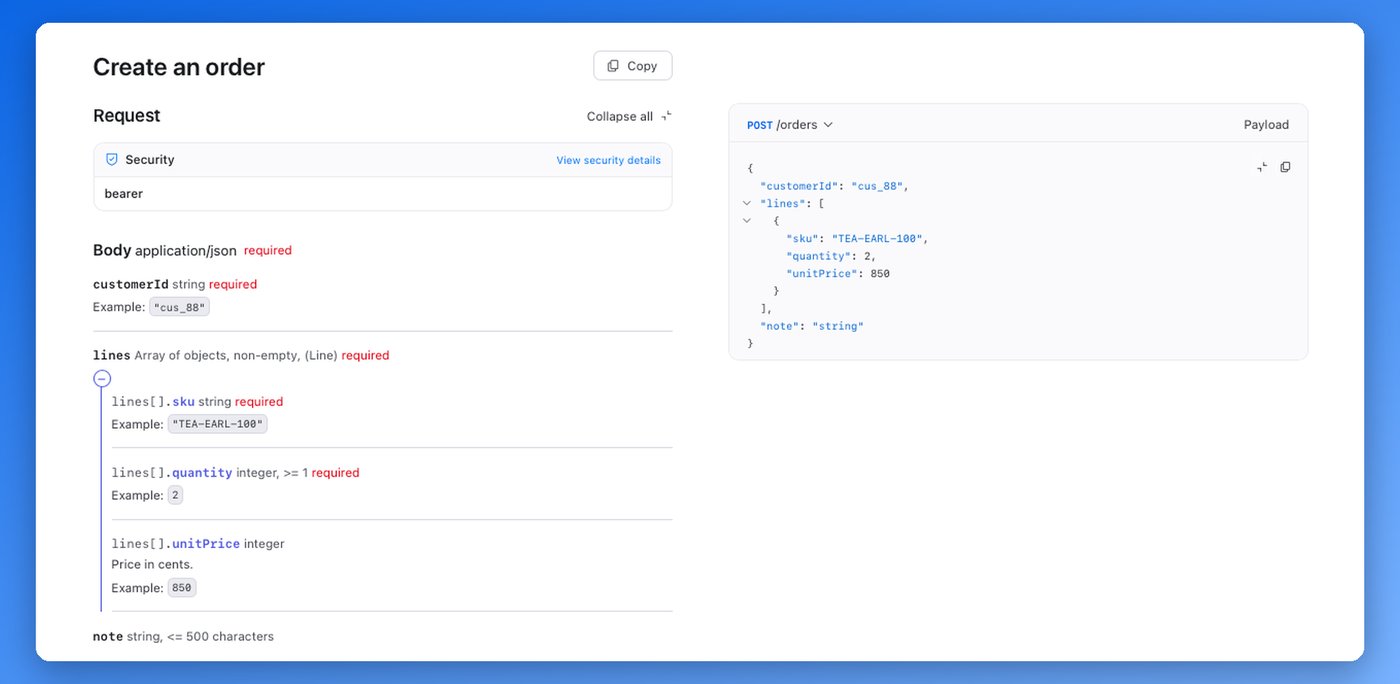
- Browse operations, schemas and examples with Redoc, an open-source viewer.
- Read a .json, .yaml or .yml attachment on the page with your Confluence permissions.
- Or load a spec from an HTTPS URL in the reader's browser.
- Free. The app stores no spec content.
Install
Atlassian is reviewing the Marketplace listing. Until it is approved, email support@altoria.app for early access. After that, a Confluence site administrator installs it from the Atlassian Marketplace. It asks for one scope, to read attachments.
OpenAPI Viewer is free. The terms page lists the agreements that apply.
Add the macro
- Edit a page and type
/OpenAPI, then choose OpenAPI Viewer. - In the settings, choose URL or Attachment on this page.
- Enter an HTTPS URL or pick a file, then select Save.
- Publish the page.
To change the source later, edit the page, select the macro and choose Edit (the pencil icon).
Attachments
Attach a .json, .yaml or .yml file to the same page. The app reads it with the viewer's Confluence permissions, so people who can't see the attachment can't see the docs. When you upload a new version of the file, the macro shows it.
URLs
The reader's browser loads a URL spec directly. A URL on your company network works if the reader's browser can reach it. The server must allow other websites to read the file (this is called CORS). If it doesn't, attach the file instead.
The spec URL, and the final URL after any redirects, must use HTTPS. Requests carry no cookies or passwords, and a URL with a username or password in it is refused. If the spec needs a login, attach the file.
Limits
- The macro only shows docs. It doesn't edit specs or call the API.
- Search inside the spec is not available.
- Specs that link to other files with
$refare refused. Combine them into one file first. - Specs must be 3 MB or less. A file just under 3 MB can still be refused, because Forge limits how much data the app can send to the page.
- The attachment picker checks the first 250 attachments on the page.
- Server URLs with variables, such as
{tenant}, are shown unchanged.
Data and privacy
The app stores no spec content. Confluence saves the source, URL and attachment name with the macro. Redoc keeps display preferences, such as dark mode, in the reader's browser. For a URL spec, the server that hosts it sees the reader's IP address, as with any web request; the app's backend never receives the spec. See Privacy and Security and data.